* #17 - simple manipulation
ayo im back hehe it's sunday morning & rain is falling!
imma teach you on how to make a simple manipulation and weeeeee this is my first time to make a tut on this hihe
----------------------✂
First open your picsart then find a 512x800 white background size

then put your background
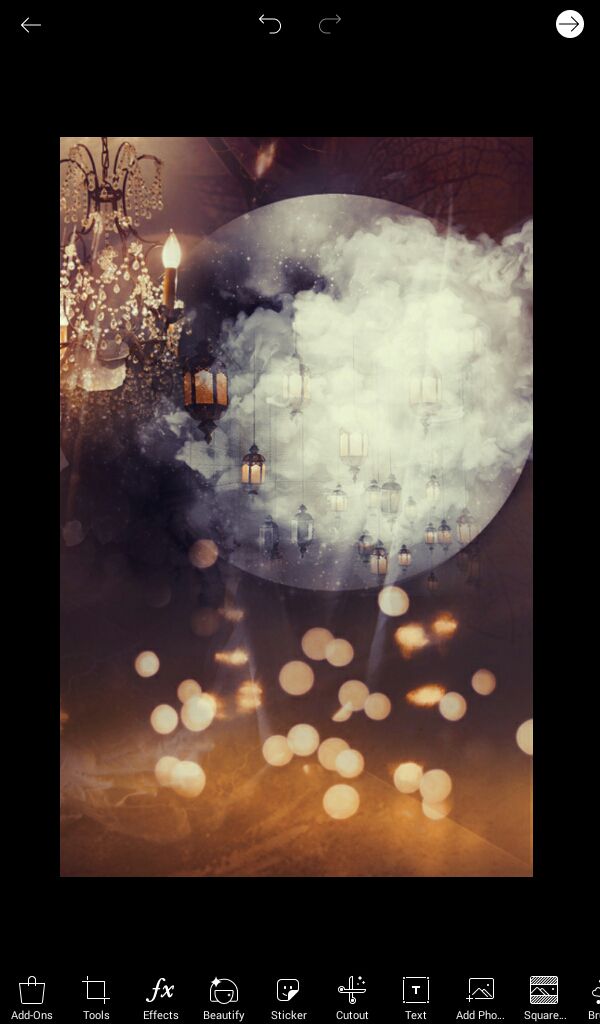
after that put your character and erase the bottom part of the png so it will look like like it's blended
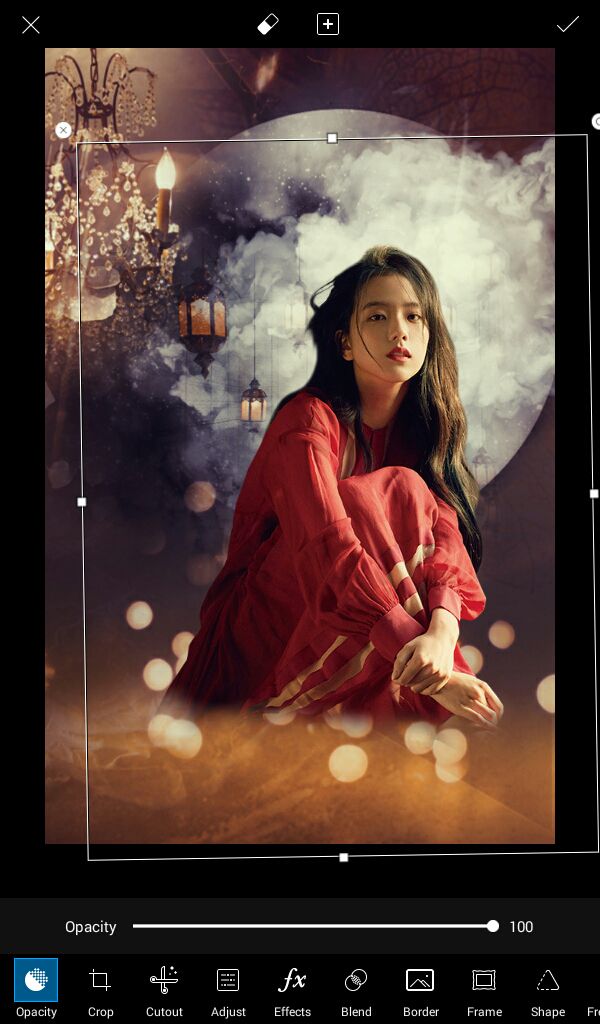
after that you can put some more textures and ovelays to make it more-- blended.
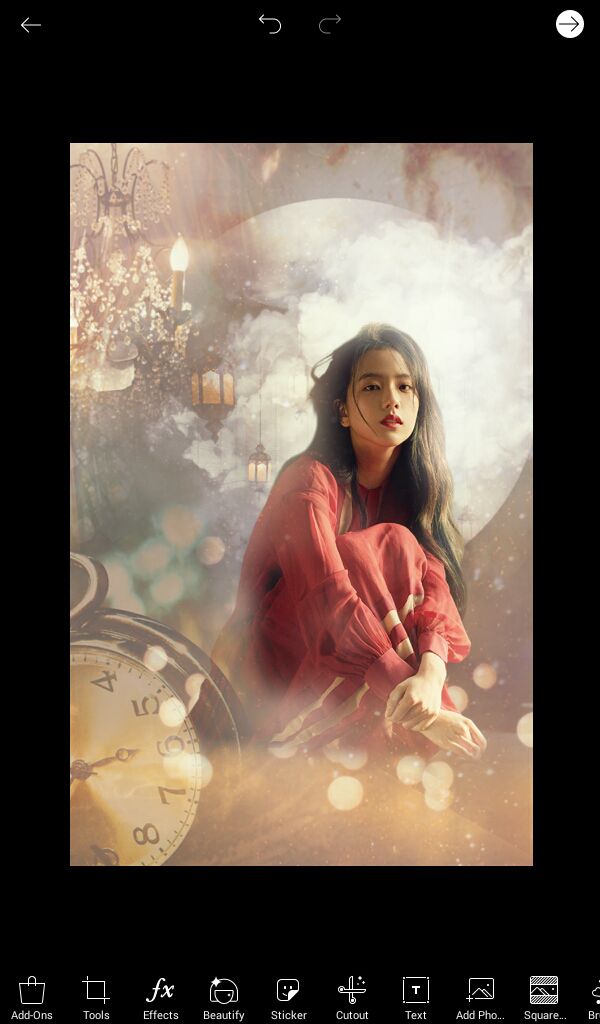
i used this btw

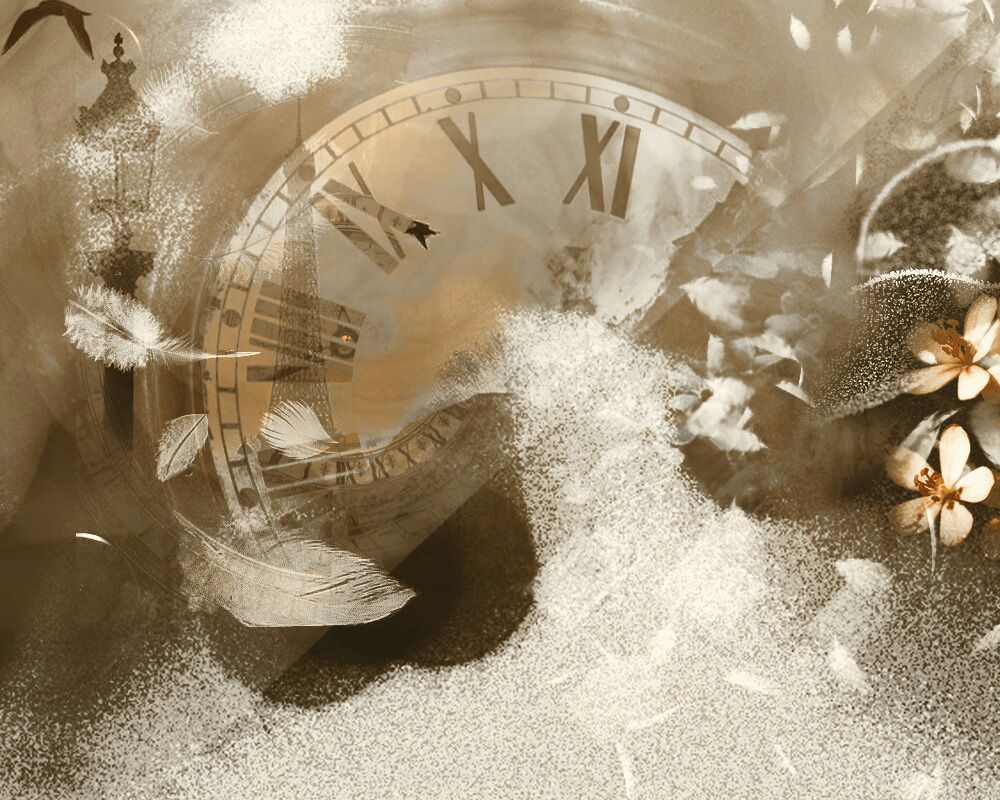
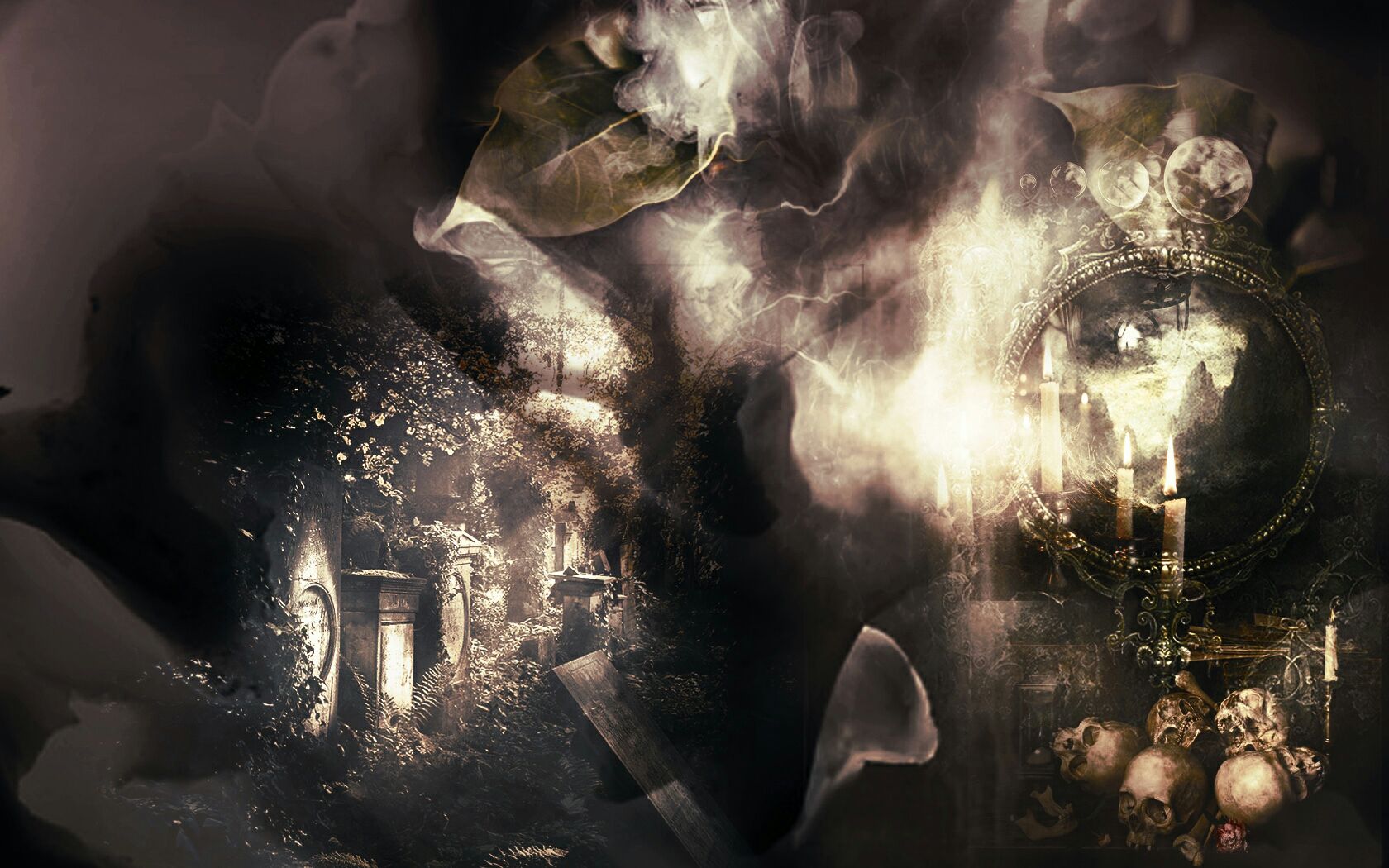
Just put the pictures above then click 'blend' and 'screen', erase the unecessary things and play with the opacity.
after that go to draw and click that thing
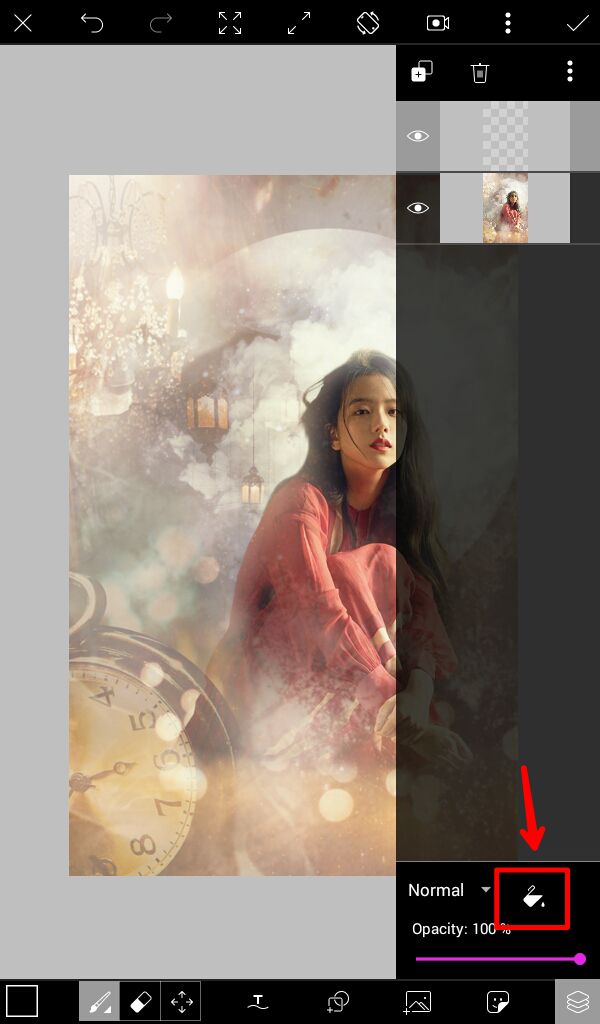
choose the color that you like, i chose black for this then click overlay and play with the opacity
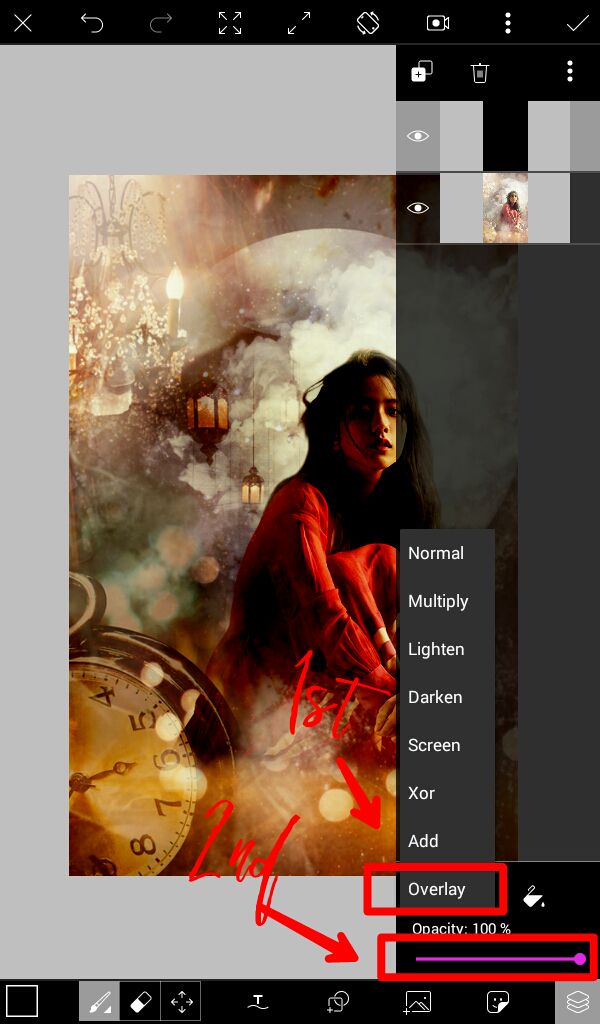
AFTER THAT YOU'RE DONE!

i put title lol heheehehehheheh

that's all! I hope you learned something from this trash
credits to the rightfuk owners of the resources i've used.
•••••
~mich
Bạn đang đọc truyện trên: AzTruyen.Top